
Mass Flow Converter1.03 - App Store
You'll be able to see results in few seconds.
Publisher Description
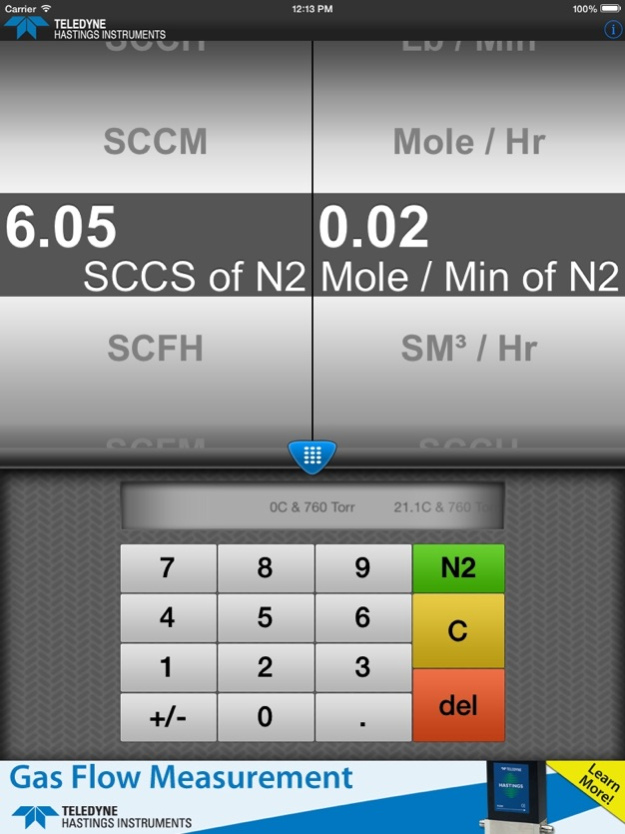
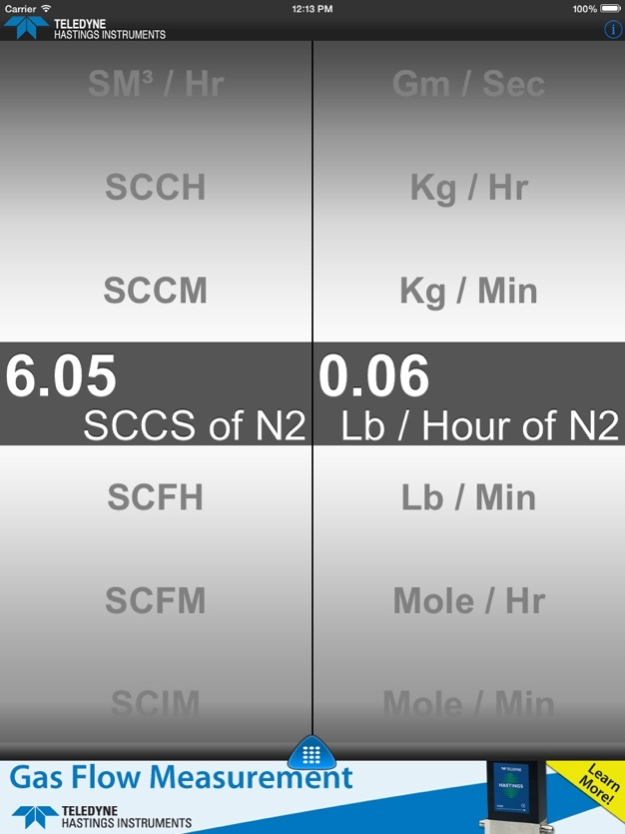
This app allows the user to quickly convert a value from one type of flow measurement unit to another. For example, you may need to determine how many SLM (Standard Liters per Minute) are in a given number of SCFH (Standard Cubic Feet per Minute).
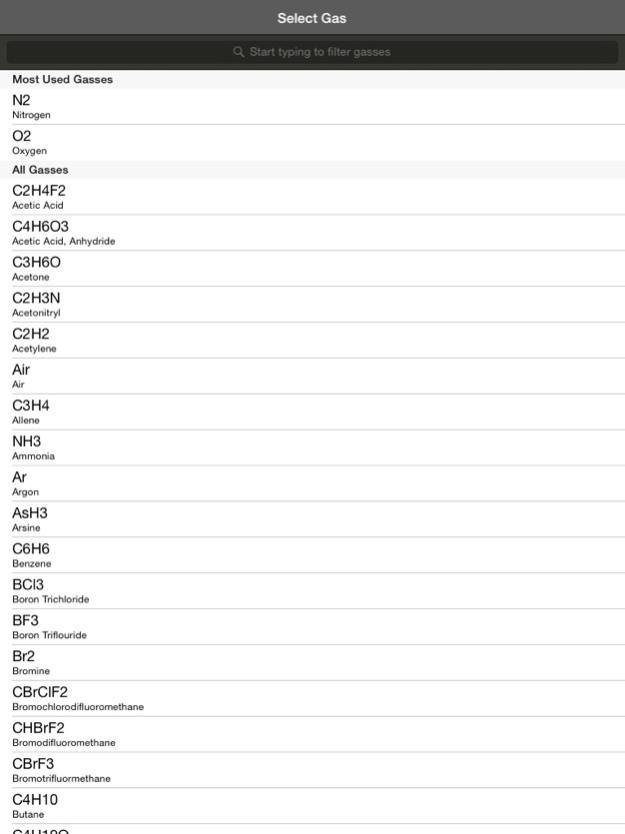
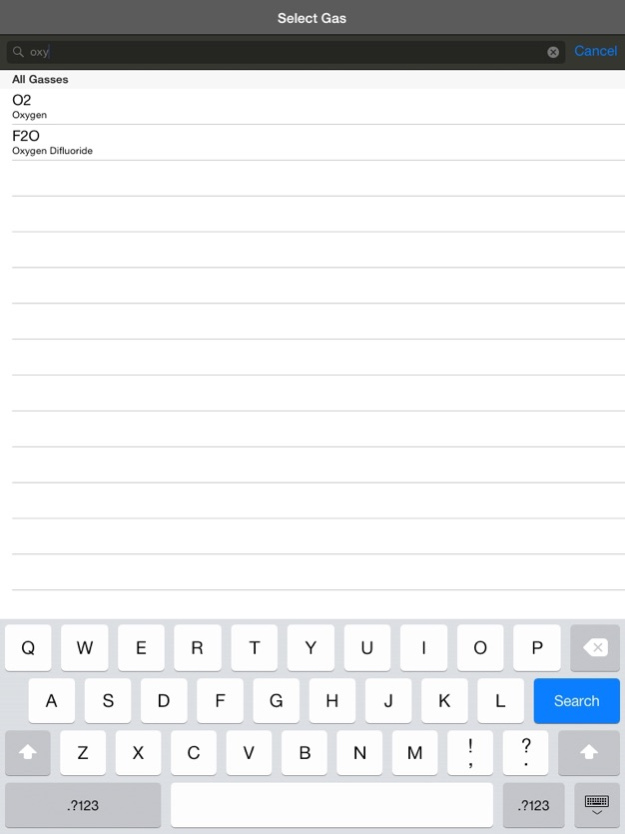
The user of this app can easily change the Reference Conditions (STP – Standard Temperature and Pressure). Also, the gas can be easily selected from over 100 commonly used gases.
- Units
- Reference Conditions (STP)
- Gas
In addition to standard mass flow units such as SCCM, SLM, SM, the app also handles true mass flow units such as Kg/hr, g/sec. Molecular flow rates, such as moles/hr, are easily accessible.
Teledyne Hastings Instruments has over 65 years of experience in the design and manufacture of gas flow instrumentation. Teledyne Hastings is recognized throughout the world as a leader in mass flow instrumentation. Our infrastructure, metrology capabilities, and employees provide our customers with outstanding service. Our application engineers can help you review your system requirements and work with you to provide a solution.
Jul 16, 2014
Version 1.03
- Minor bug fixes
About Mass Flow Converter
The company that develops Mass Flow Converter is Visual Harbor LLC. The latest version released by its developer is 1.03.
To install Mass Flow Converter on your iOS device, just click the green Continue To App button above to start the installation process. The app is listed on our website since 2014-07-16 and was downloaded 0 times. We have already checked if the download link is safe, however for your own protection we recommend that you scan the downloaded app with your antivirus. Your antivirus may detect the Mass Flow Converter as malware if the download link is broken.
How to install Mass Flow Converter on your iOS device:
- Click on the Continue To App button on our website. This will redirect you to the App Store.
- Once the Mass Flow Converter is shown in the iTunes listing of your iOS device, you can start its download and installation. Tap on the GET button to the right of the app to start downloading it.
- If you are not logged-in the iOS appstore app, you'll be prompted for your your Apple ID and/or password.
- After Mass Flow Converter is downloaded, you'll see an INSTALL button to the right. Tap on it to start the actual installation of the iOS app.
- Once installation is finished you can tap on the OPEN button to start it. Its icon will also be added to your device home screen.
Program Details
System requirements
Download information
Pricing
Version History
version 1.03
posted on 2014-07-16
Jul 16, 2014
Version 1.03
- Minor bug fixes
version 1.03
posted on 2013-10-04
Disclaimer
Official App Store Link
We do not host Mass Flow Converter on our servers. We did not scan it for viruses, adware, spyware or other type of malware. This app is hosted by Apple and passed their terms and conditions to be listed there. We recommend caution when installing it.
The App Store link for Mass Flow Converter is provided to you by apps112.com without any warranties, representations or guarantees of any kind, so access it at your own risk.
If you have questions regarding this particular app contact the publisher directly. For questions about the functionalities of apps112.com contact us.
